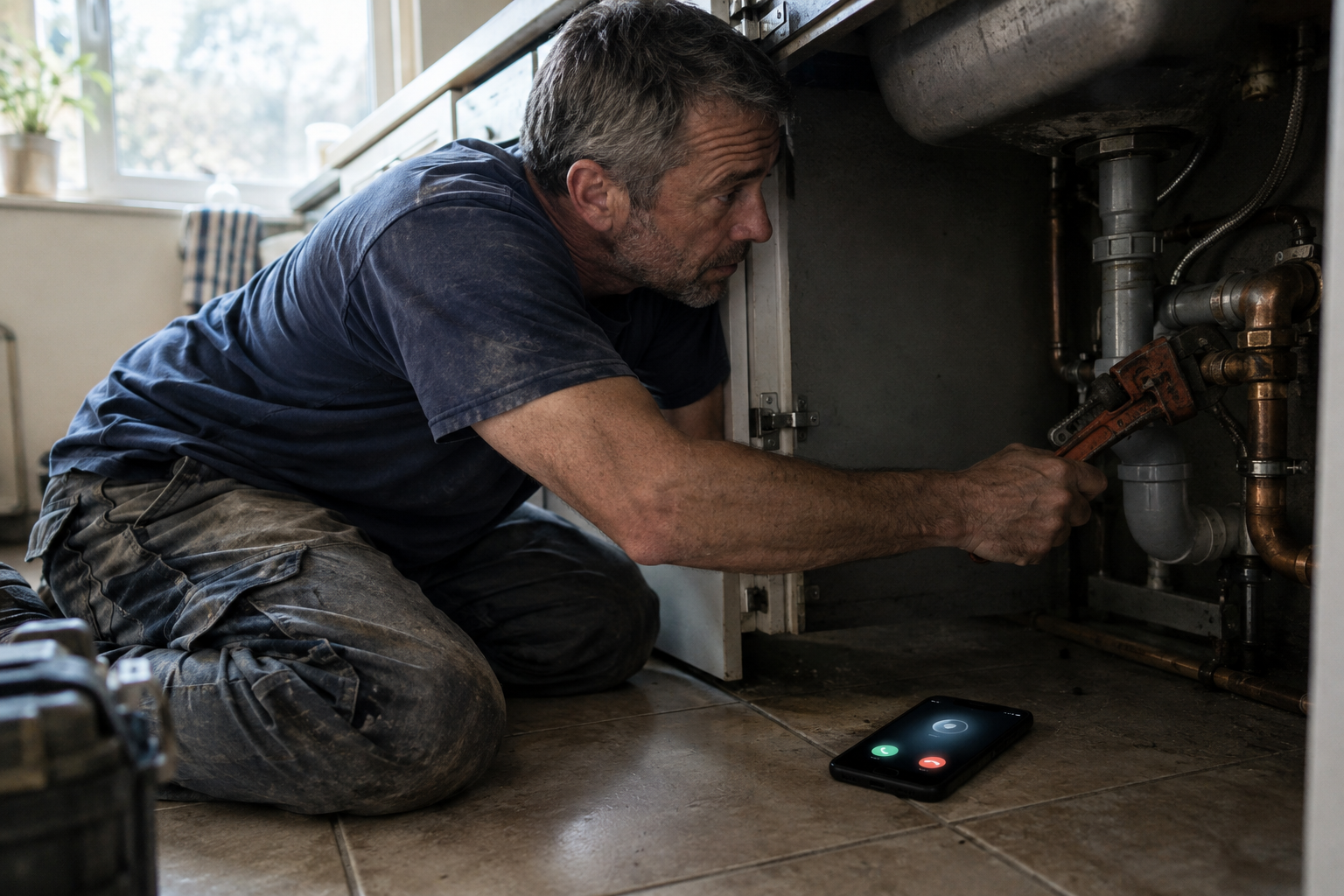
“The phone has a quick responses setting, so why is it not texting back my missed calls?”
Because that setting does something different from what almost everyone assumes. This is the most common misunderstanding about missed-call texting on Android, and it costs tradespeople weeks of trusting a feature that was never going to fire.
Quick answer
No Android phone auto-texts missed calls out of the box. The built-in feature — quick responses — sends a text when you decline a ringing call. It needs you to act while the phone is in your hand, which is exactly the situation where you did not need help. To reply to a call that rang out while the phone sat in your pocket, you need a third-party app, a carrier feature, or a cloud phone platform.
What the built-in feature actually does
Google’s Phone app Help page describes it plainly:
When you can’t pick up a call, you can send an automatic text message instead.
To edit those messages: open the Phone app, tap More, tap Settings, tap Quick responses, tap a response, edit it, tap Ok.
The important part is the mechanism, which that sentence glosses over. Quick responses appear on the incoming-call screen while the phone is ringing, and you choose one to decline the call with a message. You have to be holding the phone. It is a polite way to say “can’t talk now” to a caller you have decided not to answer.
It is not a robot that watches for missed calls and replies on your behalf.
The naming varies by device, which is why this is so confusing to search for:
| Where you’ve seen it | What it’s called |
|---|---|
| Google Pixel, stock Android | Quick responses |
| Samsung One UI | Quick decline messages |
| Some other Android builds | Respond with text / Reject with message |
All three are the same decline-time feature.
Here is what that means in practice:
| Situation | Does quick responses fire? |
|---|---|
| Phone ringing, you tap a response | Yes |
| Phone ringing, you ignore it and let it ring out | No |
| Phone in your pocket on a ladder | No |
| Phone on the dash, you’re under a sink | No |
| Call goes to voicemail unanswered | No |
If your missed calls are the ones you never saw — which is the whole problem — the built-in feature cannot help you.
The one built-in setting that does help
There is a setting worth changing, and it is not on your phone. From the same Google Help page:
Many phone carriers offer the ability to change the ring duration or number of rings before incoming calls go to voicemail. To change this setting, consult your phone carrier.
This is a carrier setting, not a phone setting. Most carriers will extend your ring time on request — often from the default (roughly 20 seconds on many lines) up to 30 seconds or more. If your phone lives in a pocket or on a dash while your hands are working, those extra ten seconds are the difference between answering and not.
It does not solve the missed-call problem. It reduces how often you have one. Do both: extend the ring time you are allowed, and have something that replies when it still rings out.
Three ways to actually reply to a missed call
Once you accept that the built-in feature will not do it, the real choice is between three mechanisms. They differ in ways that matter more than features.
| Built-in quick responses | On-device Android app | Cloud phone platform | |
|---|---|---|---|
| Fires when you never touched the phone | No | Yes | Yes |
| Which number sends the text | Your number | Your SIM | The platform’s number |
| Carrier registration needed | No | No | Yes — A2P 10DLC in the US |
| Extra monthly platform cost | None | App cost | Subscription + per-message usage |
| Depends on | You tapping the screen | That phone being on and not battery-killed | The platform and your number being in it |
Quick responses are free and already on your phone. They are worth using when you are actually looking at a ringing phone and cannot talk.
An on-device app watches for calls that end unanswered and sends the text from your own phone and SIM. Nothing changes about your number, and there is no registration project — the reply goes out the way a human texting back would. The trade-off is dependence on that one phone being on, charged, connected, and not throttled by Android’s battery management (more on that below).
A cloud phone platform — GoHighLevel and similar — sends the reply from a number that lives inside the platform. That is more robust to your phone being off, but it means a number decision (port, forward, or new), carrier registration, and a subscription. Our comparison of the three routes prices it out, and the GoHighLevel setup walkthrough covers that platform’s click path and its duplicate-text quirk.
Why an on-device setup silently stops working
This is the part that catches people after a few good weeks. Android is aggressive about protecting battery life, and a missed-call responder is exactly the kind of background app it likes to put to sleep.
Google’s own developer documentation describes the mechanism:
Doze reduces battery consumption by deferring background CPU and network activity for apps when the device is unused for long periods of time.
Read that again with your workday in mind. Your phone sits on a dash, in a toolbox, or in a cupholder for hours while you work. That is “unused for long periods of time” by Android’s definition. The system is doing its job — it is just incompatible with an app that needs to react the moment a call ends.
The common causes, in the order worth checking:
- Battery optimization. The app is not exempted, so Android freezes it when idle. Fix: find the app in Settings → Apps → Battery, and set it to Unrestricted / turn off optimization for it. On Samsung also check Settings → Battery → Background usage limits and make sure the app is not in “Sleeping apps”. Xiaomi, Oppo and others have their own equivalents.
- Do Not Disturb or a Focus mode. The call may still register as missed, but notifications and some background behavior get suppressed. If you turn on DND on site, check what it does to the app.
- Permissions revoked after an update. A major OS update can strip SMS or phone permissions from an app you installed long ago. An app without SMS permission cannot send, and it may fail quietly.
- Data or connectivity. Airplane mode, a dead spot on a job site, or an expired plan stops the send. The reply is queued or lost, depending on the app.
- Wrong SIM on a dual-SIM phone. If the app sends from the default line and your default changed — or you swapped SIMs — the reply goes out from the number your customer does not recognise.
- The app itself was updated or its settings reset. Rare, but check the enable toggle before rebuilding anything.
The pattern: nothing announces the failure. There is no error dialog when Android quietly freezes a background app. You find out when a customer says they called and never heard back.
The check when no text goes out
Work this in order — it takes two minutes and finds most causes.
- Make a real test call from a different phone and let it ring out. Watch what arrives.
- Check battery optimization for the app (Unrestricted / not in sleeping apps).
- Check DND / Focus is not suppressing background behavior.
- Check SMS permission is still granted to the app.
- Check the sending SIM if you run two lines.
- Check the app’s enable toggle and saved message — it sounds obvious, and it is the one people skip.
Then fix the follow-up habit, which is not technical: if your auto-reply promises a call back, someone has to make it. The message itself matters more than the tool — an auto-reply that asks for nothing wastes the moment it was sent to capture.
Which route fits which business
You work alone, with one phone, and want missed calls answered now. An on-device app. It is the only option that leaves your number, your SIM and your paperwork untouched, and it costs nothing monthly beyond the app.
You already run your business on a platform. Use that platform’s missed-call feature — you are paying for it. Configure it properly, including the duplicate-text fix.
You have a dispatcher or a team. A cloud platform, because the reply has to be independent of one person’s phone being on.
You only miss calls you can see ringing. Change nothing except the quick responses text, and ask your carrier for more ring time.
FAQ
Does Android automatically text missed calls?
No. Android’s built-in quick responses send a text when you decline a ringing call — they require you to act while the phone is ringing. A call that rings out unanswered with the phone in your pocket does not trigger any built-in reply. You need a third-party app or a cloud phone platform for that.
What is “respond with text” on Android?
It is the same feature as quick responses, under a different name depending on your device (Samsung calls it quick decline messages). You choose one of several canned messages on the incoming-call screen to decline the call with a text. Find and edit them in the Phone app under Settings → Quick responses.
Why did my missed call auto reply stop working?
On Android the most common cause is battery optimization: the system defers background activity for apps when the device is idle, which is what your phone is while you work. Exempt the app from battery optimization, check it is not in a “sleeping apps” list, confirm SMS permission is still granted, and check the sending SIM on a dual-SIM phone.
Can I make my phone ring longer before voicemail?
Often yes, but it is a carrier setting rather than a phone setting — Google’s own Phone app documentation points you to your carrier for ring duration. Many carriers will extend the ring time on request, which reduces how many calls you miss in the first place.
Quick responses are not missed-call automation
If you tap a prewritten reply while the phone is ringing, that is a manual decline-time message. If you never touch the phone and the call rings out, that setting does not send a text. If your goal is to reply after an unanswered call, start with the Android setup and second-phone test; if you are comparing apps, use the app-selection checklist. Check how your specific device, carrier and app behave before relying on any background automation.
Conclusion
The Android quick responses feature is real, useful, and not what its name suggests to anyone searching for missed-call texting: it declines a call you are looking at. Your phone will not auto-text the calls that ring out while your hands are full.
Close that gap deliberately — extend your ring time with your carrier, and choose one of the three mechanisms to reply when a call still goes unanswered. Then set a reminder to re-check it, because on Android the failure mode is silent.
If you are setting up the on-device route for the first time, the step-by-step Android setup walks through it, and keeping your existing number covers why that route needs no porting at all.
Reply to missed callers from your Android phone
SnapBack is designed to text eligible missed callers from your Android phone and SIM, without number porting. See the current offer and permissions on Google Play.

One response to “Auto Reply to Missed Calls on Android: What Actually Works (and What Does Not)”
[…] If your auto-reply ever stops firing, the Android-specific causes – battery optimization, Do Not Disturb and revoked permissions – are covered in our guide to auto reply on Android. […]