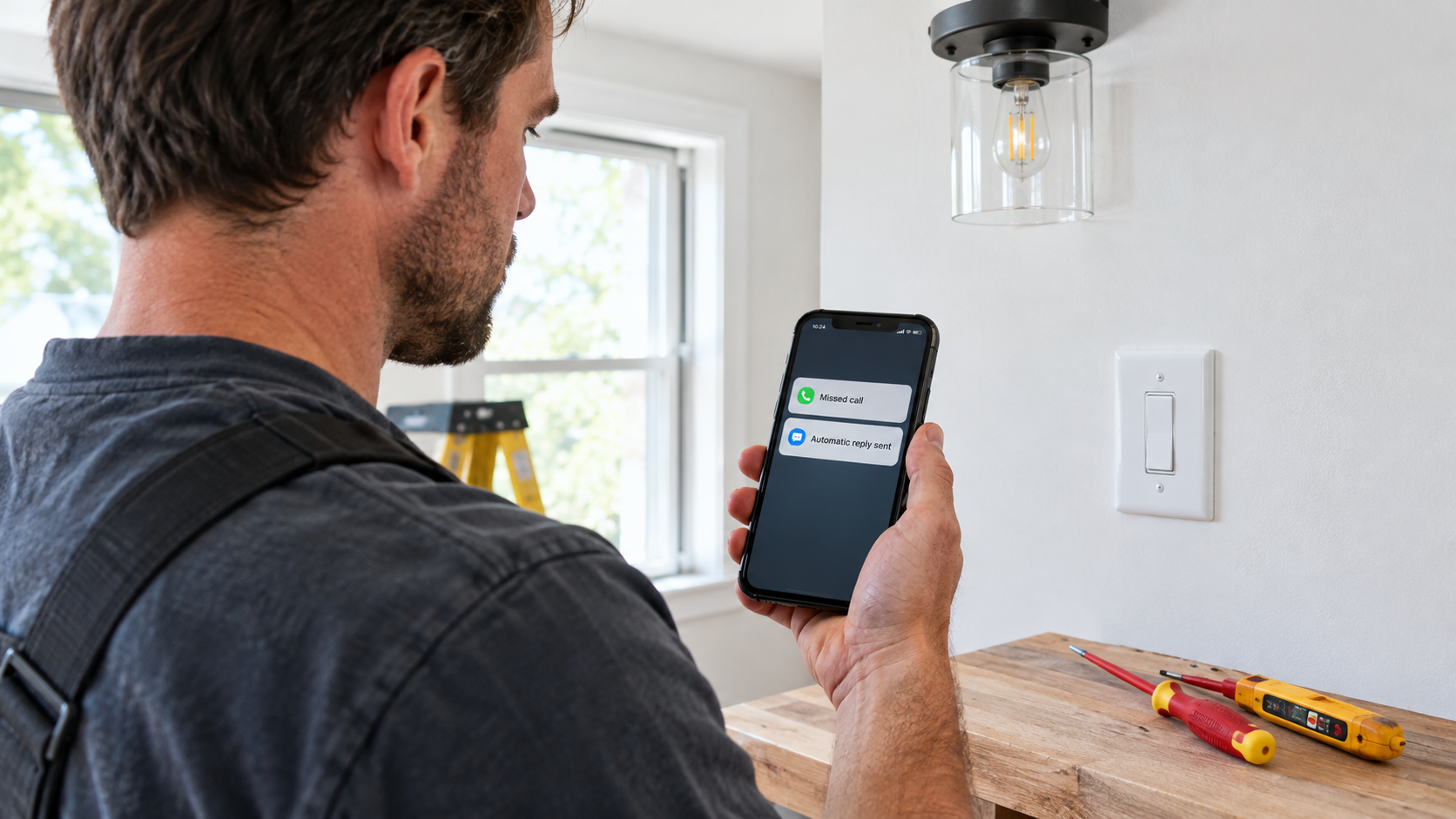
Need a missed-call reply for your electrical business? Identify your business, ask for the job and ZIP code, and make clear that a person will follow up. Never imply that an automatic text dispatches help for an electrical emergency.
- Routine request: ask what work is needed and where.
- Possible hazard: direct the caller to emergency services instead of waiting for a text reply.
- Next step: check the reply and call back when it is safe.
If you work solo and cannot answer safely on the job, use the example below as a starting point and adapt it to your actual response hours.
Start with a message that does not assume the caller’s problem
You cannot tell from an unanswered call whether someone wants a light fitting installed or has noticed smoke. Unless you have already spoken to them, use one general acknowledgment rather than pretending the automation understands their situation.
Thanks for calling [Business]. This is an automatic reply; I cannot answer right now. Please text the work needed and your ZIP code. This inbox is not an emergency service. For immediate danger, call emergency services rather than waiting here.
Replace the business name and read the complete message on another phone. This example is deliberately more cautious than a routine estimate acknowledgment. If you advertise emergency electrical work, the text must match your actual staffed response process; an auto-reply alone is not that process.
For other trades and general wording options, see our contractor missed-call text templates. The electrical-specific job here is to avoid treating every request as a booking opportunity before understanding the situation.
For an estimate, ask for scope rather than a troubleshooting history
Once a caller confirms they want planned work, your next human reply can ask a focused question. A ceiling-fan installation, extra outdoor lighting, and an EV charger estimate require different conversations, but none needs a long first-text questionnaire.
Thanks. Is this a new installation or a replacement, and which town is the property in? I’ll review the details before arranging the next step.
For example, a caller replies, “Looking for a garage EV charger in [Town].” Confirm whether you serve that location and arrange a conversation about the project. Do not quote a final installation price or confirm electrical capacity from that sentence alone. Ask for the full address when it is needed to arrange a visit, rather than collecting everything in the first automated text.
This is an illustrative exchange, not a customer result or a claim that SnapBack classifies jobs automatically. One initial template can open the conversation; you handle the specific reply.
For safety concerns, do not turn texting into remote diagnosis
The Electrical Safety Foundation’s home safety guidance lists frequent breaker trips, buzzing switches or outlets, and discolored outlets among warning signs of an overloaded system. A short text description does not establish the cause or prove a property is safe.
Avoid messages such as “That’s probably just a breaker” or “Keep resetting it until I arrive.” Do not ask callers to remove covers, touch wiring, open a panel, or move closer to a hazard to get a photo. An acknowledgment should not become instructions for electrical work.
If someone reports a fire or immediate danger, they should contact emergency services, not wait for your callback. Do not promise that you are monitoring replies continuously, that a technician has been dispatched, or that texting has reserved an emergency appointment unless that is actually true. This article concerns business communication, not electrical diagnosis or emergency-response training.
Set a callback expectation you can actually meet
“I’ll call in five minutes” is a commitment, even when software sends it. Choose wording based on when you genuinely review messages. If nobody reads them overnight, say so. Do not describe ordinary business hours as 24-hour coverage just because an automatic text can be sent outside those hours.
When you return to the phone, read the reply before calling. Confirm the service area, whether the work is within your scope, and the next step you can offer. A text delivered is not a booked visit, accepted estimate, or completed job.
Using one Android business phone with a real SIM? Compare SnapBack’s current compatibility, permissions and offer on Google Play. A text-back is an acknowledgment, not emergency coverage.
Check whether an Android-and-SIM workflow fits your business
SnapBack’s published offering is missed-call auto-SMS from an existing Android phone and real SIM, with editable trade messages and caller controls. Its Google Play listing describes replies returning to the phone’s native messages. That fits a solo operator who personally monitors that business mobile number.
This is not an iPhone setup, a replacement for a receptionist, or a shared dispatch inbox. If your advertised number is a landline, VoIP service, or team-routing system, do not assume an app installed on one Android handset handles those calls. Confirm the number path first. SMS delivery and background behavior also need testing with your handset, carrier, permissions, and settings; this guide does not claim an independent device test.
Use this checklist before turning on the reply
- Put your real business name in the message and remove any placeholder text.
- Check that the emergency boundary and callback wording match your actual service.
- Call the business SIM from another phone, let it go unanswered, and read the received message.
- Reply to that SMS and confirm you see it in the inbox you monitor.
- Check the available exclusions for family, suppliers, and other callers who should not receive a customer message.
- Test repeat calls and the phone-locked scenario rather than assuming every call triggers the same behavior.
- Review replies when safe to do so; do not answer while driving or performing electrical work.
Follow the Android setup and acceptance-test guide for a fuller test sequence. If you use one Android business phone with a real SIM, review SnapBack on Google Play for the current offer, compatibility, permissions, and data-safety information. Start with an honest acknowledgment and a monitored follow-up routine, not a promise that automation will win the job.