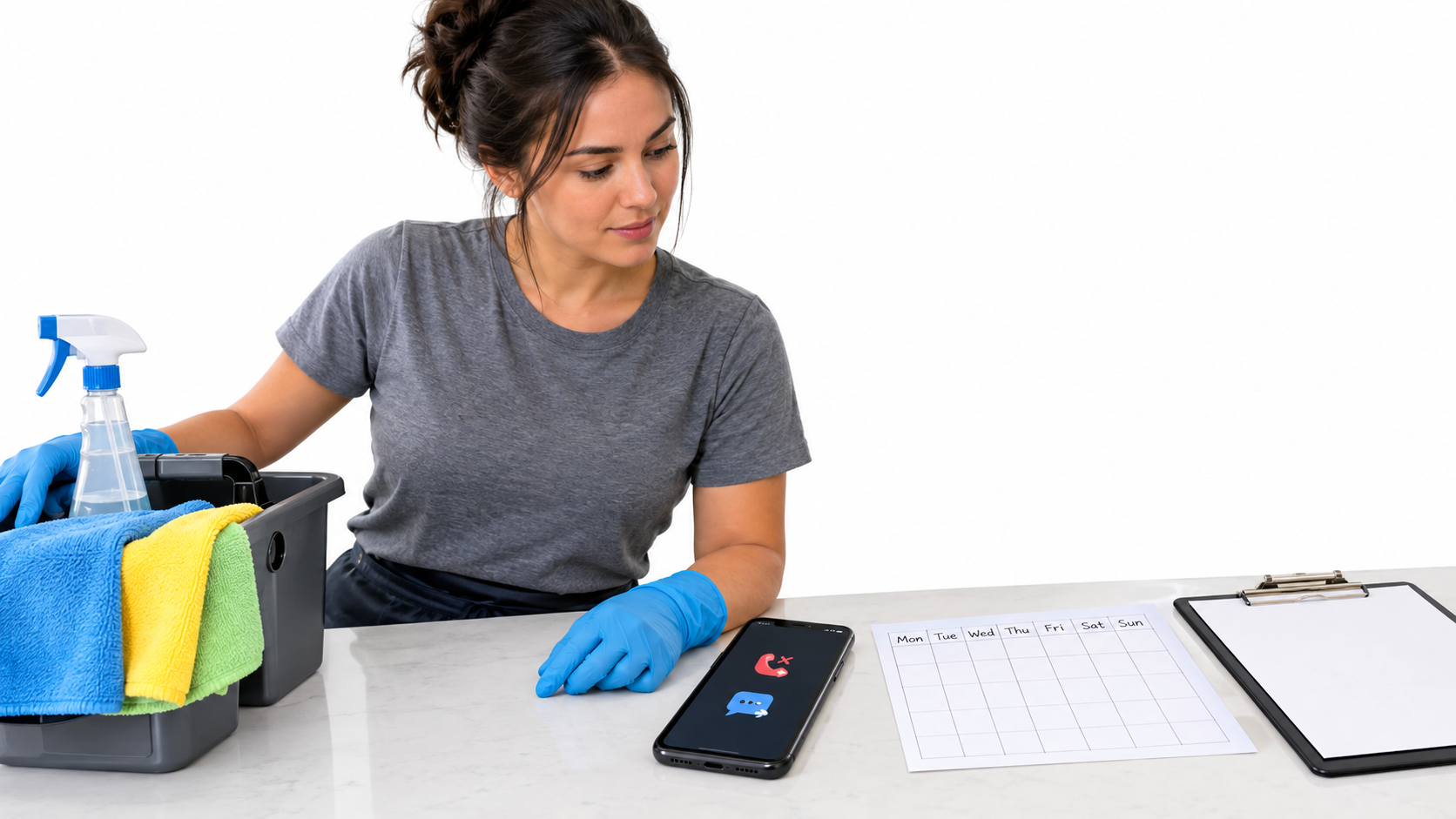
If you miss a call while cleaning, the first text should identify your business and ask two things: is the caller looking for a one-time clean or ongoing service, and what ZIP code is the property in? Then a person can ask about scope, price and availability. A missed-call reply is an acknowledgement, not a quote or confirmed booking.
This guide is for a solo residential cleaner who takes business calls on an Android phone. It focuses on separating two different follow-up paths, rather than offering another general collection of contractor text-back templates.
Start with one question the caller can answer
A caller wanting a move-out clean may have a fixed date and a property that needs substantial work. Someone asking about weekly or biweekly cleaning is evaluating an ongoing routine. Asking only “How can we help?” leaves the cleaner to reconstruct the request later. Asking for bedrooms, bathrooms, square footage, access, add-ons and preferred dates in a single automatic SMS can feel like a form.
Hi, this is [Cleaning Business]. Sorry we missed your call. Is this for a one-time clean or regular service? Reply with your ZIP code and we’ll follow up when we can.
Use a business name customers recognize. Replace “when we can” with a real follow-up window only if somebody will monitor replies during that window. If the business does not serve every nearby ZIP code, location is useful before discussing a visit. Do not tell a caller a cleaner is available or a price is confirmed before checking the schedule and job scope.
Route the reply: quote or recurring plan
The automated text need not decide what to sell. After the caller replies, use the branch that matches the task:
- One-time clean: Ask whether it is routine, deep, move-in or move-out cleaning; the property size; the location; and any date constraint. Check what is included before giving a price. A requested move-out date is not a booked slot.
- Recurring service: Ask whether they mean weekly, biweekly or another frequency, where the home is, and when they would like to start. Discuss the first-visit scope separately from the ongoing routine. Confirm access, supplies and schedule directly before agreeing to regular visits.
- Existing customer: A reschedule or access issue is not a new quote. Answer it in the customer’s existing thread or call back; avoid sending a sales-style questionnaire to someone who already has an appointment.
For example, “one-time move-out, 60618, next Friday” tells the cleaner what to clarify next: size, condition, included tasks and whether that date is actually open. “Every other week, 60618” calls for a different conversation about the home, visit frequency and expectations. These are example replies, not real customer conversations or evidence that any job was booked.
Write the human follow-up before enabling the automatic one
A quick acknowledgement is useful only if someone continues the exchange. Decide when you will look at replies: between jobs, at the end of a shift, or at a clearly stated later time. A customer may text “Can you do tomorrow?”; that requires a real availability check. If the owner is away, change the message or pause automation rather than implying an unattended inbox is staffed.
Keep a small response checklist beside your booking calendar:
- Check whether the address or ZIP is in your actual service area.
- Identify one-time, recurring, or existing-client needs.
- Ask only the missing scope questions before estimating.
- Verify your calendar and travel time before offering a visit.
- Confirm price, inclusions and appointment details personally in writing.
A cleaning inquiry is not automatically a lead won. Track whether eligible callers reply, whether you follow up, and whether a visit is actually confirmed. Avoid assigning a dollar value to an unanswered call or treating an automatic acknowledgement as a sale.
Check phone fit and caller expectations
SnapBack is offered for missed-call text back on an Android phone using a real mobile SIM. It is intended to send an initial reply from that phone number; the owner still handles the conversation and booking. It is not a live receptionist, calendar, quoting system or shared team inbox. An iPhone-only business, a landline or VoIP number that never rings the Android SIM, or a multi-person desk may need a different workflow. If the same mobile number handles private calls, review exclusions and the message before enabling business replies.
Android lets you inspect app permissions under Settings → Apps → the app → Permissions, as described in Google’s Android Help. The SnapBack Play listing describes the app’s intended workflow; neither that listing nor this guide verifies delivery on your specific handset and carrier. Review the site privacy policy and Play Data Safety disclosure before granting call and SMS access. Do not assume every missed call, blocked number or repeat caller will trigger a text.
Before relying on it, call your business SIM from a second phone, let it ring out, check the received SMS and sender number, reply, and verify that your monitored inbox gets the response. Repeat with an excluded number, with the phone locked, and outside your normal hours. The Android setup and acceptance-test guide has a fuller checklist. Keep your first message honest: a reply does not mean a quote, a reserved slot, or instant human attention.
If your calls reach one Android phone and SIM, inspect the current Play listing, then test the full missed-call-to-human-follow-up path before using it with customers.